By Muhammad Hamza, CTO·Sep 15, 2026

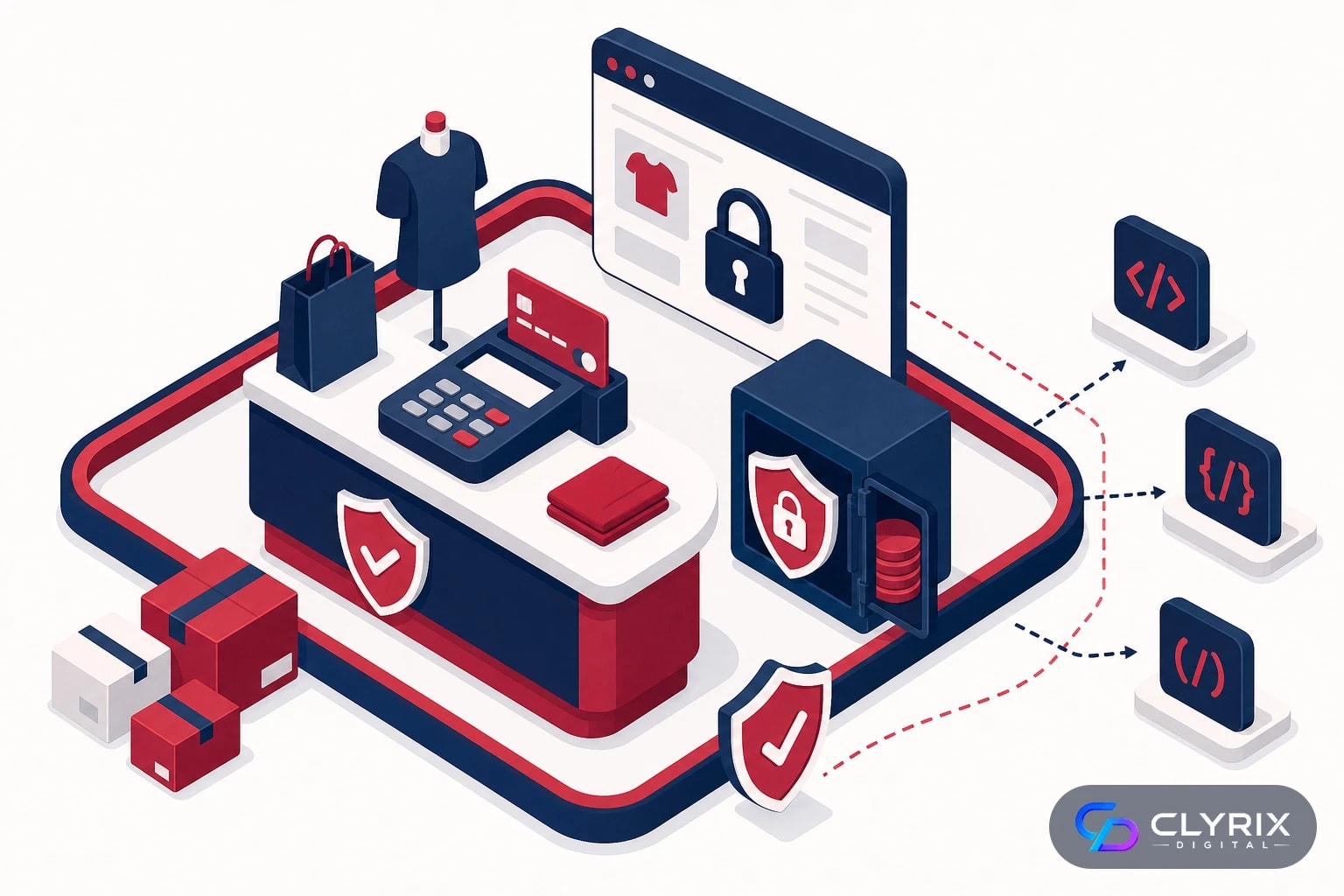
A practical PCI DSS 4.0 e-commerce website compliance checklist starts with one question: does your website touch cardholder data, or does a validated payment provider fully handle it? In 2026, most small and mid-sized merchants should reduce scope by using hosted payment fields, controlling third-party scripts, enabling MFA, scanning for vulnerabilities, logging security events and documenting who owns each requirement.
PCI DSS 4.0 is now the active standard for businesses that store, process or transmit payment card data. That includes many US e-commerce companies even if they never “see” the full card number. If your checkout page loads payment JavaScript, redirects customers to a gateway, embeds hosted fields, or uses apps that modify checkout behavior, your website design and development choices affect compliance.
This article is written from a developer-led perspective, not as legal advice or a formal QSA assessment. It focuses on practical website actions for Shopify, WooCommerce and custom e-commerce stores. In our delivery experience, the biggest compliance gaps are rarely exotic security failures. They are unclear payment flow diagrams, abandoned plugins, unmanaged marketing scripts, weak admin access, no alerting and a false assumption that “Stripe, PayPal or Shopify handles all of it.”
For US merchants, PCI DSS sits alongside other obligations such as state privacy laws, CCPA/CPRA for California customers, FTC expectations around reasonable security, and sector-specific rules such as HIPAA if healthcare data is involved. The good news: most e-commerce teams can reduce risk dramatically by making checkout architecture, script governance and operational evidence part of normal web development, not an annual scramble.
12
Core PCI DSS requirement groups in the standard
March 31, 2025
Date many future-dated PCI DSS 4.0 requirements became effective
Quarterly
Common external vulnerability scan cadence for in-scope systems
6–12 months
Typical review cycle for checkout scope, scripts and access
PCI DSS 4.0 is a payment security standard created by the PCI Security Standards Council. It applies to merchants and service providers that store, process or transmit cardholder data. For an e-commerce business, that can include the website, checkout page, payment gateway integration, admin users, hosting environment, plugins, JavaScript, APIs, logs and support workflows.
The standard is not limited to enterprise retailers. A small US Shopify store, a WooCommerce site running on managed WordPress hosting, and a custom headless commerce platform can all have PCI obligations. The difference is scope. A store that redirects customers to a hosted payment page usually has far less scope than a custom checkout that posts card numbers through its own server.
PCI DSS 4.0 also emphasizes customized approaches, clearer risk analysis and stronger controls around scripts and authentication. That flexibility helps mature organizations, but it can confuse smaller merchants. Unless you have a security team and strong evidence practices, the simpler route is usually better: use standard validated payment integrations, keep card data away from your server, and document controls in plain language.
Do not treat PCI as a one-time certificate. Payment brands and acquiring banks may ask for annual validation, but security is operational. New apps, theme edits, analytics tags, checkout upsells, subscription tools and fraud scripts can all change your risk profile between annual reviews.
For most e-commerce teams, the first classification question is simple:
When in doubt, create a payment flow diagram before buying tools or filling out a self-assessment questionnaire. Scope drives almost every compliance decision.
Your checkout architecture determines how much of your website must be treated as in scope. The table below simplifies common e-commerce patterns, but your acquirer or QSA may classify your situation differently.
| Payment flow | Typical scope | Common platforms | Risk level | Developer action |
|---|---|---|---|---|
| Hosted redirect | Lowest website scope | Shopify, Stripe, PayPal | Lower | Preserve redirect integrity |
| Hosted fields | Page still matters | WooCommerce, custom | Medium | Control scripts tightly |
| Direct post | Server may matter | Custom checkout | High | Harden app and logs |
| Stored cards | Broadest scope | Custom platforms | Very high | Avoid unless necessary |
| Subscription tokens | Token handling scope | Shopify, WooCommerce | Medium | Verify tokenization design |
Use the table as a planning guide, not a formal SAQ determination. Your acquiring bank, payment provider or QSA should confirm the correct validation path.
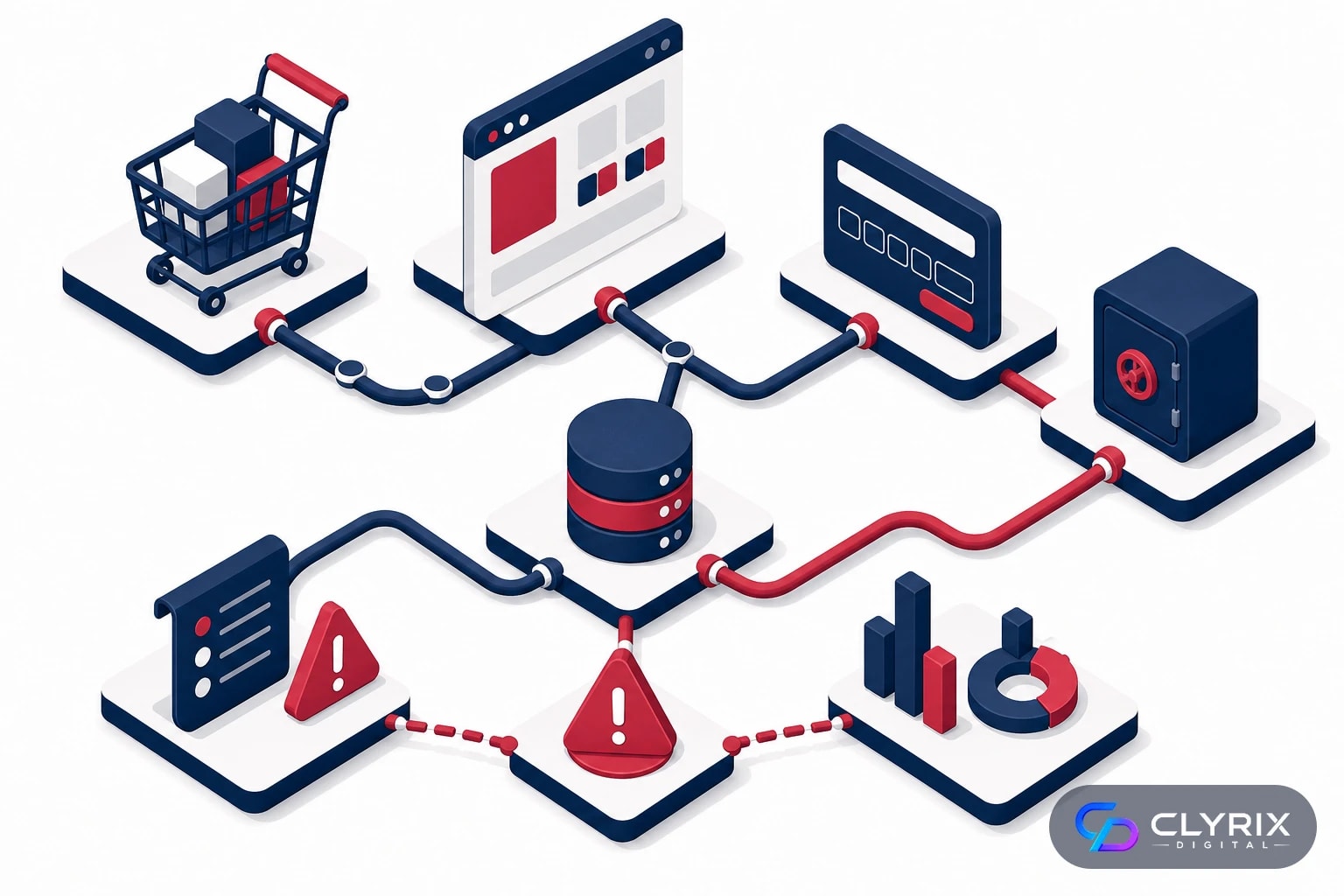
The most valuable compliance work is reducing what can touch cardholder data. Every extra system in scope increases testing, documentation, scanning, logging and incident response work. A lean checkout flow is usually cheaper, safer and easier to maintain.
Start by drawing the payment journey from product page to order confirmation. Include the browser, your domain, subdomains, CDN, tag manager, payment gateway, fraud tool, subscription app, tax service, shipping calculator, CRM, email platform and server logs. Mark exactly where cardholder data is entered, transmitted and tokenized.
For Shopify, avoid unnecessary checkout customizations unless you are on a plan and architecture that supports them safely. For WooCommerce, use reputable gateway plugins that rely on hosted fields or redirects rather than collecting card data on your server. For custom e-commerce builds, prefer tokenized payment APIs and gateway-hosted components unless there is a compelling reason to build deeper payment infrastructure.
In our delivery experience, scope diagrams often reveal accidental risk: a debugging log capturing payment responses, a legacy checkout script still loading, a staging site indexed by search engines, or a developer copying production settings into a test environment. These are fixable, but only after they are visible.
Developer-led checkout scope checklist:
If you cannot explain your payment flow in one diagram, your compliance scope is probably unclear.
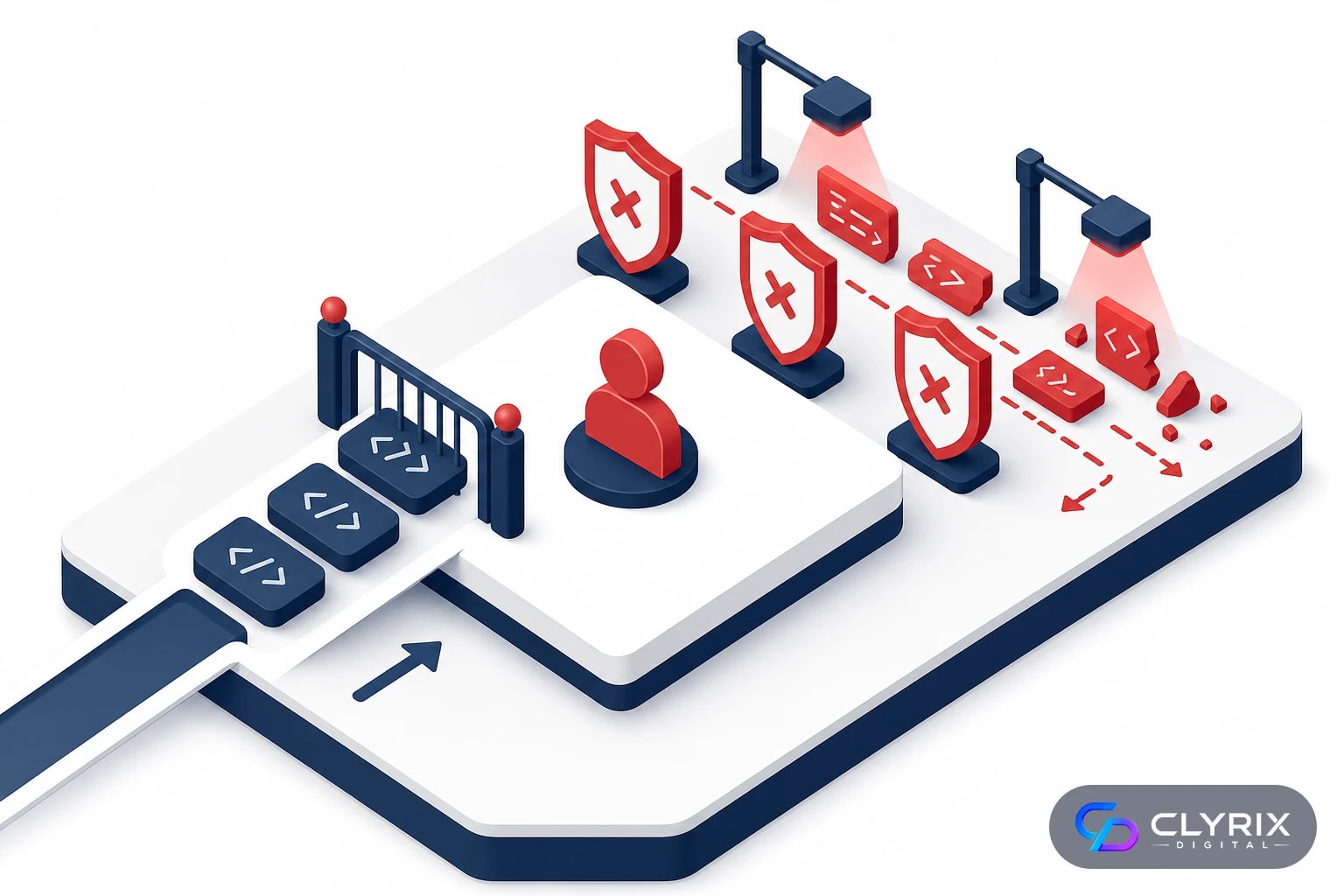
Third-party scripts are one of the most important e-commerce compliance issues in PCI DSS 4.0. Modern stores rely on analytics, ad pixels, A/B testing, customer chat, reviews, personalization, affiliate tracking, fraud scoring and session replay. Many of those scripts can read or modify the page where customers enter payment information.
The risk is straightforward: if a malicious or compromised script runs on a checkout page, it may skim payment data, alter forms or redirect users. Even a legitimate vendor can create compliance problems if the script is unnecessary, poorly governed or injected through a tag manager without review.
PCI DSS 4.0 includes requirements around managing payment page scripts, authorizing them, ensuring integrity and detecting unauthorized changes. For smaller merchants, this means you need a script inventory and a change control process. It does not mean banning every marketing tool. It means deciding which scripts are allowed on checkout pages, why they are there, and how you know they have not changed unexpectedly.
A practical rule: keep checkout pages boring. Load only what is necessary for payment, fraud prevention, tax, shipping, accessibility and essential measurement. Move promotional widgets, heatmaps and broad behavioral tracking away from payment entry pages unless they have a clear business case and are reviewed for security impact.
Payment page script checklist:
This is where marketing, development and compliance must collaborate. A pixel added for conversion tracking can become a payment security issue if it runs in the wrong place.
Merchants often lose time asking the wrong party for help. Your payment provider, developer, hosting company and QSA all play different roles.
| Task | Merchant | Developer or agency | Provider or QSA |
|---|---|---|---|
| Choose SAQ path | Approve business facts | Explain architecture | Confirm classification |
| Secure checkout code | Set priorities | Implement and test | Review if needed |
| Gateway settings | Own account access | Configure integration | Support gateway controls |
| Script inventory | Approve business need | Audit and restrict | Assess evidence |
| Vulnerability fixes | Fund remediation | Patch and verify | Scan or validate |
| Policy evidence | Maintain records | Provide technical proof | Advise requirements |
A development partner such as Clyrix Digital can close technical gaps, but it should not replace formal guidance from your acquirer or QSA when validation requirements are unclear.
Compromised admin access is one of the simplest ways attackers damage e-commerce stores. A stolen Shopify collaborator account, WordPress administrator login, hosting panel credential or GitHub token can lead to malicious checkout scripts, fake payment forms, customer data exposure or ransomware.
PCI DSS 4.0 places strong emphasis on authentication, least privilege and multi-factor authentication. For practical e-commerce teams, this means MFA should be enabled everywhere that can affect the store: commerce admin, CMS, hosting, DNS, domain registrar, payment gateway, email provider, code repository, deployment pipeline, support tools and tag manager.
Access control must also survive normal business turnover. Agencies change, freelancers finish projects, marketing tools rotate and employees leave. If you do not have a quarterly access review, old accounts accumulate quietly. In our delivery experience, we regularly find former contractor accounts with production access months after a project ended.
The best setup balances security with usability. Single sign-on can help larger teams, but even smaller stores can enforce password managers, phishing-resistant MFA where available, named accounts instead of shared logins, and role-based permissions.
Access control checklist for 2026:
If one account can modify checkout code without MFA and review, the store has a real payment security weakness regardless of platform.
PCI DSS 4.0 expects merchants to identify and fix vulnerabilities in in-scope systems. For e-commerce websites, this includes platform updates, plugin updates, theme security, dependency management, server configuration, TLS settings, secure headers and externally visible weaknesses.
WooCommerce stores usually require the most hands-on patch management because WordPress core, plugins, themes and hosting layers all change independently. Shopify reduces infrastructure responsibility, but merchants still own apps, theme code, user access, scripts and custom integrations. Custom stores need a software development lifecycle that includes dependency scanning, code review, penetration testing when risk justifies it, and secure deployment practices.
External vulnerability scanning is commonly performed quarterly for in-scope internet-facing systems, especially where Approved Scanning Vendor requirements apply. Internal scanning, code dependency checks and cloud configuration reviews may also be appropriate. Do not rely on a single scanner as proof of security. Scanners find known classes of issues, but they do not understand every business logic flaw or risky checkout customization.
Patching should be planned, tested and recorded. Emergency security patches may need fast deployment, but routine updates should go through staging, backup and rollback steps. The goal is not just to “update everything.” It is to update safely without breaking payment, tax, shipping, inventory or order workflows.
Technical hardening checklist:
When not to overdo it: do not install multiple security plugins that overlap, slow the checkout or create false confidence. A smaller, well-managed stack is usually safer.
Compliance is not only about prevention. PCI DSS 4.0 also expects organizations to detect suspicious activity and maintain evidence that controls are operating. For e-commerce businesses, useful logs include admin logins, checkout code changes, plugin installations, payment gateway configuration changes, failed login attempts, deployment events, server errors and security alerts.
The challenge is deciding what to log without collecting sensitive payment data. Logs should help investigate security events, not become a new repository of cardholder data. Developers should verify that request logs, debug tools, error trackers and analytics payloads do not capture full card numbers, CVV values, magnetic stripe data or sensitive authentication data.
Monitoring does not require an enterprise security operations center for every SME. A practical setup may include platform alerts, uptime monitoring, file change detection, web application firewall events, payment provider notifications and a shared incident response process. What matters is that someone receives alerts, understands them and acts.
Evidence should be collected continuously. Screenshots of settings, scan reports, access review records, deployment approvals, vendor attestations and incident logs are much easier to maintain throughout the year than to reconstruct before a bank deadline.
Logging and evidence checklist:
For many merchants, the missing control is not logging technology. It is ownership. Assign a named person or partner to review and act on alerts.
If your store has grown quickly, the checklist can feel large. The best approach is to sequence remediation by scope and risk. Do not start by buying a tool or rewriting the entire checkout. Start by understanding where payment data flows and which systems can affect it.
This process works for Shopify, WooCommerce and custom stores, although the technical tasks differ. It is also useful before you speak with a QSA, because it gives them cleaner information and reduces wasted assessment time.
Document every page, domain, script, server and provider involved from cart to payment confirmation. Identify whether card data is handled by hosted checkout, hosted fields, direct post or custom server-side processing.
Ask your acquiring bank or payment provider which SAQ or validation path applies. If the answer depends on technical design, involve a developer who can explain the checkout architecture accurately.
Remove unnecessary systems from the payment path before adding complex controls. Replace direct card handling with hosted fields or hosted checkout where it makes business sense.
Prioritize MFA, admin access, vulnerable plugins, insecure custom code, unpatched servers, risky scripts and weak deployment controls. Validate fixes in staging before production rollout.
Create a lightweight operating rhythm for scans, access reviews, script reviews, patch records and incident response. Make evidence collection part of monthly website maintenance.
This is where an experienced web and e-commerce development team can help turn compliance into maintainable engineering routines rather than one-off cleanup.
Payment providers are the right source for gateway capabilities, hosted checkout options, tokenization features, account settings and their own PCI attestation documents. They can tell you what their platform secures. They usually will not audit your theme, WordPress plugins, tag manager, custom JavaScript, server configuration or staff access.
A developer or agency is the right partner when compliance findings require code, configuration or architecture changes. That includes moving from direct card capture to hosted fields, removing risky scripts, implementing content security policy, cleaning up WooCommerce plugins, securing custom APIs, improving logging or building safer deployment workflows. Clyrix Digital often supports this middle layer: practical implementation between business compliance requirements and the technical store environment.
A QSA or qualified PCI advisor is appropriate when scope is complex, card volume is high, your acquiring bank requires formal validation, you process payments across multiple systems, or you are unsure which SAQ applies. A QSA should not be brought in only after technical decisions are locked. Early guidance can prevent expensive rework.
There are also times when you should not customize. If a conversion idea requires heavy checkout manipulation, direct access to payment form fields or unreviewed third-party scripts, pause. The revenue upside may be real, but the security and compliance cost can outweigh it. Use platform-native checkout extensions and validated payment patterns wherever possible.
Use this decision rule:
The fastest remediation projects have all three roles aligned: provider facts, developer implementation and QSA-level interpretation when needed.
PCI DSS 4.0 is not just a form to complete in 2026. For e-commerce merchants, it is a practical test of whether your checkout is simple, controlled and observable. If you reduce payment scope, limit checkout scripts, enforce MFA, patch consistently and keep evidence, you will be in a stronger position with banks, customers and payment partners.
Your next step is to map your payment flow and identify the top five technical gaps that could affect checkout security. If those gaps involve theme code, WooCommerce plugins, custom APIs, hosted payment fields or monitoring, a development partner can help you remediate them without disrupting revenue. Formal PCI interpretation should still come from your acquirer or QSA when the validation path is uncertain.
Yes, PCI DSS can apply to Shopify merchants because they accept card payments, but Shopify’s validated platform can significantly reduce merchant technical scope. You still need to manage your own responsibilities, including admin access, apps, scripts, account security, policies and any customizations that affect checkout. If you add third-party tools or custom code, reassess whether they change your risk.
WooCommerce is not automatically PCI compliant by itself. Compliance depends on hosting, payment gateway integration, plugins, theme code, access controls, logging, patching and operational practices. Using a reputable hosted payment gateway can reduce scope, but the merchant still owns the WordPress environment and must keep plugins, users and checkout scripts under control.
For many online stores, the biggest practical risks are unmanaged third-party scripts and weak administrator access. A compromised script or stolen admin account can alter checkout pages or capture payment data. PCI DSS 4.0 places more attention on payment page script governance, MFA, access reviews and detecting unauthorized changes.
Not always. Many smaller merchants validate through a self-assessment process directed by their acquiring bank or payment provider. You should involve a QSA when your payment flow is complex, card data touches your servers, your bank requires it, or you are unsure which SAQ applies. A developer can help explain architecture, but a QSA confirms formal PCI interpretation.
No. A payment provider secures its own validated payment services, but it does not control your website code, plugins, scripts, admin users, hosting, DNS, logs or internal processes. Merchants remain responsible for the parts of the environment they manage. The safest approach is to combine provider-hosted payment tools with strong website security practices.
At minimum, review PCI scope and evidence annually for validation, but key controls should run more often. Access reviews are commonly quarterly, external scans may be quarterly for in-scope systems, and script or checkout reviews should happen after every significant store change. Treat compliance as ongoing website maintenance, not a once-a-year task.


Sep 22, 2026
Facial recognition privacy rules in 2026 explained: BIPA, CCPA, EU AI Act, consent, retention, safer alternatives and a practical implementation checklist.
By Muhammad Hamza · CTO

Your trusted partner in innovative web solutions, delivering tailored development, design, and marketing services to elevate your digital presence and business growth.
info@clyrixdigital.com
© 2026 Clyrix Digital. All rights reserved.