By Huzaifa Shahid, Founder·Sep 15, 2026
Custom MCP server development cost 2026 typically ranges from USD 12,000 to 35,000 for a focused internal connector, USD 35,000 to 90,000 for multi-system workflows, and USD 90,000 to 250,000+ for enterprise-grade, audited agent infrastructure. The main cost drivers are integration complexity, permissions, testing, security controls and ongoing maintenance.
Model Context Protocol, usually shortened to MCP, has moved from an emerging developer concept into a practical integration layer for AI assistants and agents. Anthropic describes MCP as a standard for connecting assistants to business systems and external data sources, while OpenAI’s Apps SDK builds on MCP concepts to connect ChatGPT with tools and data. For buyers, the important point is simple: MCP can help AI tools act on business systems in a controlled, repeatable way.
That matters because most organisations do not need another chatbot that only answers questions. They want AI agents that can check CRM records, create support tickets, query databases, update ERP fields, draft quotes, trigger approvals and pass work back to humans when risk is high. A custom MCP server is often the bridge between the AI agent and those operational systems.
This guide explains what you should budget, where the money goes, when to use existing connectors instead of building, how long delivery takes, and which security checks must be in place before an AI agent touches live business data.
12k–250k+
Typical USD build range, from focused connector to enterprise MCP layer
4–14 weeks
Common delivery window for production-ready SME projects
15–30%
Annual maintenance allowance as a share of initial build cost
2–5 systems
Typical first-phase scope for operational AI agents
The table below gives planning ranges for commercial buyers. Costs vary by geography, team seniority, API quality and how much internal documentation already exists. Treat these as budget bands, not fixed quotes.
| Complexity | Typical scope | Estimated cost | Timeline | Best fit |
|---|---|---|---|---|
| Prototype | One tool, limited data | $8k–$18k | 2–4 weeks | Feasibility test |
| Basic production | 1–2 SaaS systems | $12k–$35k | 4–6 weeks | Focused workflow |
| Mid-market | 3–5 systems, approvals | $35k–$90k | 6–10 weeks | Operations teams |
| Advanced | ERP, database, audit logs | $90k–$180k | 10–16 weeks | Regulated workflows |
| Enterprise | Multi-agent, compliance controls | $180k–$250k+ | 16–24+ weeks | High-risk operations |
If your project includes AI agent design, web dashboards or internal workflow tools, budget separately from the MCP server itself.
The cost of an MCP server is not just the cost of writing connector code. A reliable server must expose tools safely, validate inputs, manage credentials, translate data between systems, handle errors, log activity and prevent the AI agent from doing more than it should. Those surrounding controls often take more effort than the first API call.
In our delivery experience, the most expensive surprises appear when business rules live in people’s heads rather than documentation. For example, a CRM update may look simple until the sales team explains that enterprise accounts need manager approval, discounted renewals follow a separate path, and regional tax fields come from an accounting platform.
API maturity also matters. Connecting to a modern SaaS platform with strong documentation and stable OAuth support is very different from integrating a legacy ERP, a private database, or an internal tool with inconsistent field names. Data mapping, retries, rate limits and sandbox access all affect budget.
The main cost drivers are usually:
A lower-cost build is possible when the workflow is narrow, systems are modern, and the first release avoids irreversible actions.
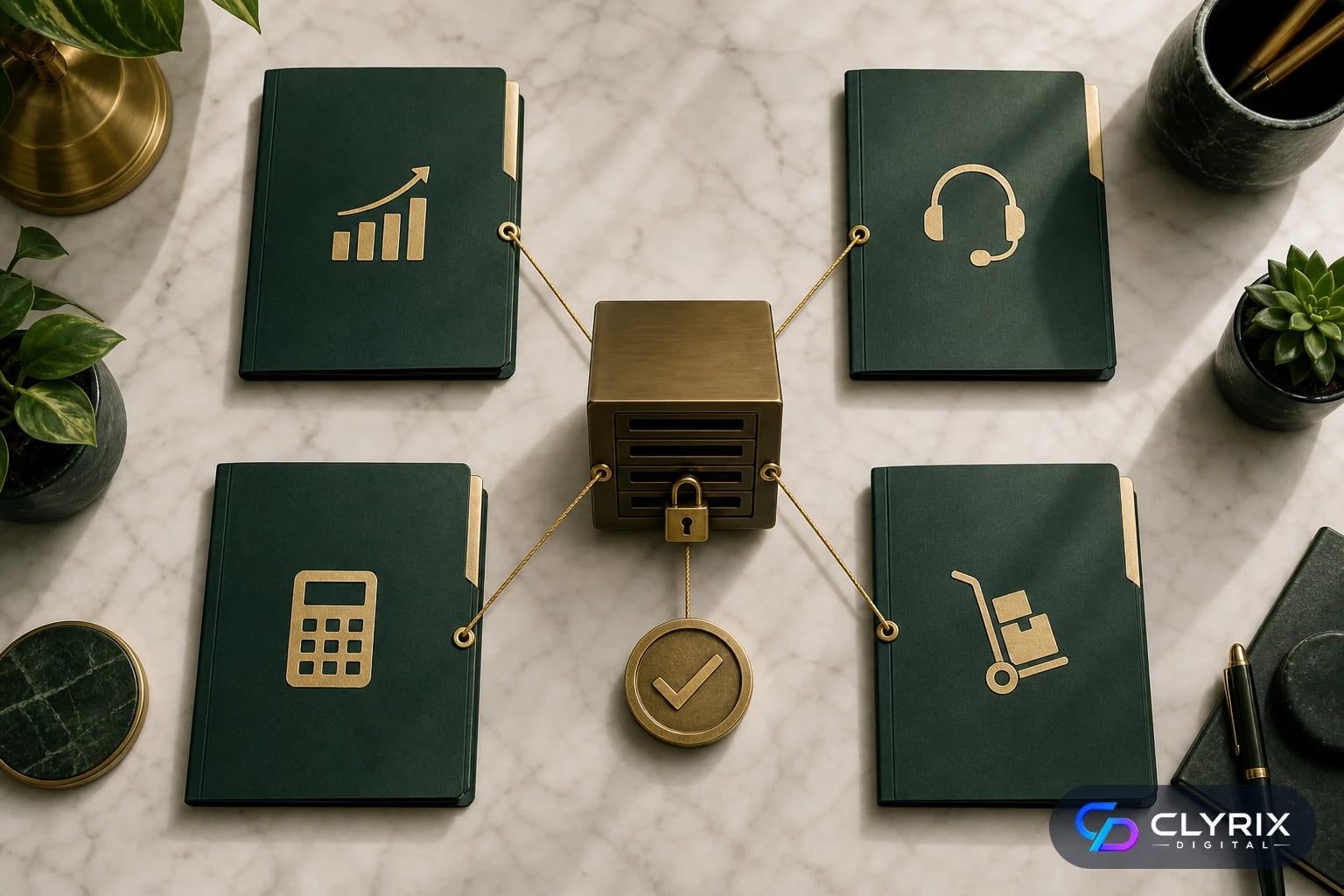
A custom MCP server is most valuable when an AI agent needs controlled access to business operations, not just general knowledge. The server becomes a governed layer between the model and systems of record, allowing the business to define exactly which tools exist, what each tool can do, and which user or agent is allowed to use it.
For many SMEs, the first practical use case is internal productivity. An operations manager might ask an AI assistant to summarise delayed orders, identify customers affected by stock shortages, draft support responses and create follow-up tasks. The MCP server handles the system calls while enforcing permissions and logging each action.
More advanced use cases involve write actions. These can deliver stronger returns but need more safeguards. Updating a CRM note is low risk. Issuing a refund, changing a subscription plan or modifying supplier payment details is not. The architecture should reflect that difference.
Strong custom MCP server use cases include:
If the workflow touches revenue, customer data, regulated records or operational commitments, custom controls are usually worth the investment.
Not every AI integration needs a custom MCP server. A buyer should first decide whether the use case is common, low-risk and already supported by reliable connectors.
| Decision factor | Use existing connector | Build custom MCP | Watch point |
|---|---|---|---|
| Common SaaS action | Usually suitable | Only if rules differ | Check permissions |
| Read-only reporting | Often enough | For sensitive data | Limit exports |
| Legacy ERP | Rarely enough | Usually required | Budget discovery |
| Multi-step approvals | Often weak | Better fit | Design audit trail |
| Proprietary database | Usually unsuitable | Strong fit | Secure queries |
| Regulated workflow | Limited use | Often required | Involve compliance |
A hybrid approach is common: use existing connectors for standard tools and custom MCP development for proprietary or high-risk workflows.
You can form a sensible early estimate before a formal technical discovery by scoring the workflow on five dimensions: systems, actions, permissions, risk and environment. This does not replace a delivery plan, but it prevents the common mistake of budgeting for a simple connector when the real need is a governed AI integration layer.
Start with the smallest workflow that would create measurable value. For example, “let an agent update the whole CRM” is too broad. “Let the agent retrieve account context, draft a renewal note and create a manager-approved task for at-risk customers” is specific enough to estimate.
A good agency or internal engineering team should ask for sample records, API documentation, role types, exception examples and current manual process steps. If those materials are missing, allocate time for discovery and documentation before promising a delivery date.
A practical pre-discovery estimate should include:
If you cannot describe the workflow in operational terms, you are not ready for a fixed build estimate.
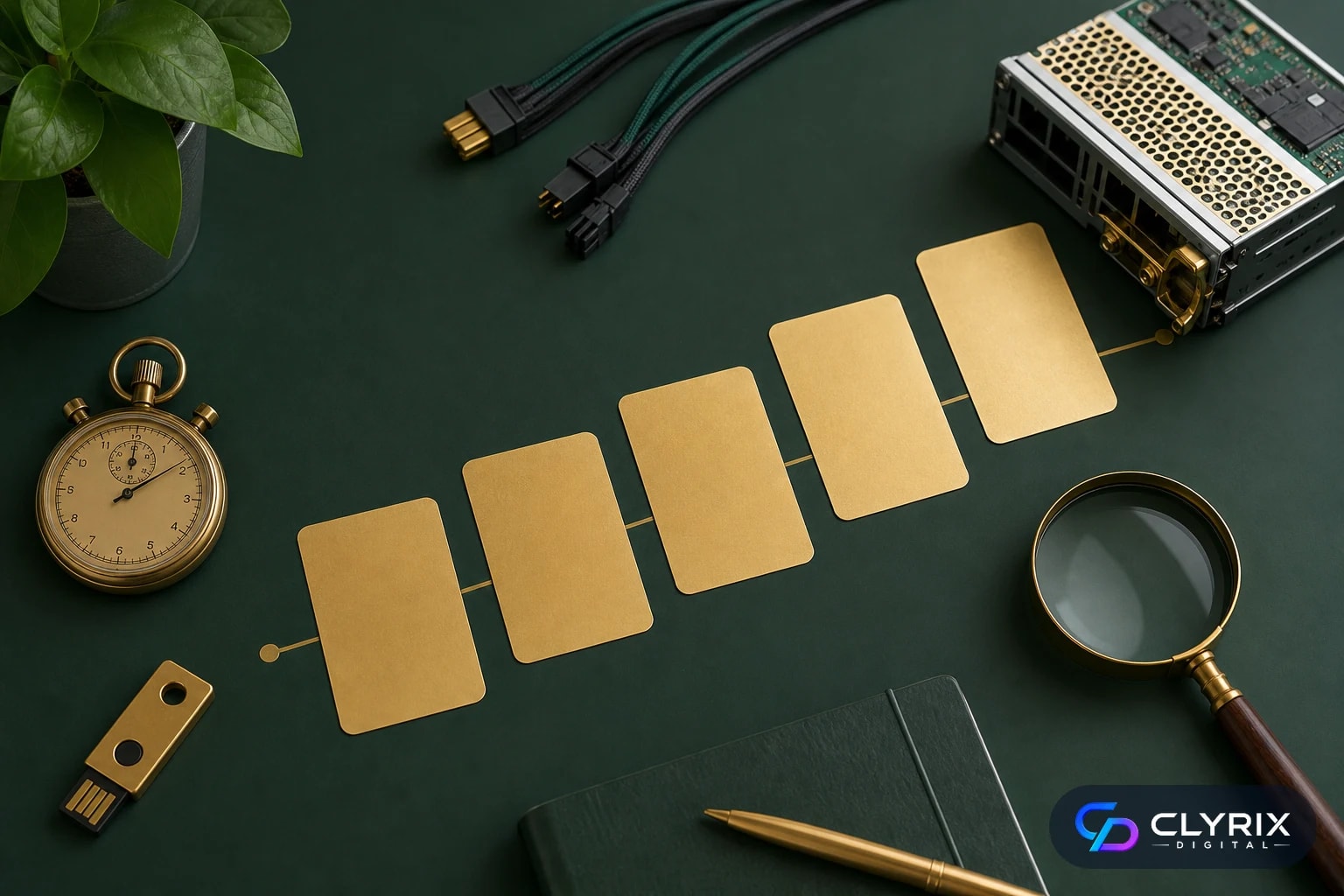
Most production MCP projects are delivered in phases because the work involves both software engineering and business process design. Rushing directly into development often produces a technically working server that exposes the wrong tools, misses approvals or fails under edge cases.
For a typical SME, a narrow first release can go live in 4 to 6 weeks. A multi-system workflow with permissions, audit logging and human approval usually takes 6 to 10 weeks. Enterprise environments with procurement, security review, private networking and compliance sign-off can take 16 weeks or more.
The stages below show a sensible delivery path for an experienced partner such as Clyrix Digital when building MCP infrastructure alongside AI agent and custom app integration work.
The team documents the business process, systems, users, tool calls, risk levels and success metrics. This phase should produce a clear scope, technical architecture and backlog rather than vague AI ideas.
Engineers design authentication, authorisation, secret storage, logging and error handling before building connectors. This avoids retrofitting security after the agent already has access to live systems.
The server exposes approved tools, translates data, validates inputs and manages calls to each connected system. Developers also handle rate limits, retries, timeouts and vendor-specific API behaviour.
The team tests prompts, malicious inputs, failed API calls, duplicate actions and approval hand-offs. High-risk actions should remain pending until an authorised person confirms them.
The first production release should be monitored closely. Logs, user feedback and operational metrics reveal which tools need refinement and where additional automation is justified.
Security is the main reason many organisations choose a custom MCP layer rather than letting an AI tool connect broadly to business systems. MCP does not remove the need for security design. It gives you a structured place to enforce it.
The core principle is least privilege. The agent should not receive database credentials, administrator permissions or unrestricted API access. It should receive a small set of tool functions that perform approved tasks, under the user’s role, with logging and validation.
You should also assume prompts can be hostile or mistaken. A user may ask the agent to ignore policy, extract records, bypass approval or update many accounts at once. The MCP server should enforce rules even when the model output is wrong.
Before production, confirm the following controls:
If these controls feel excessive for your use case, that is a sign to keep the first release read-only rather than skipping security.
Security controls vary in effort. Some should be considered baseline for any production MCP server, while others add cost because they require custom workflows, dashboards or compliance evidence.
| Security feature | Cost impact | Why it matters | When required |
|---|---|---|---|
| OAuth or SSO | Low–medium | Controls identity | Most projects |
| Role permissions | Medium | Limits tool access | Multi-user teams |
| Audit logging | Medium | Supports review | Production use |
| Approval workflows | Medium–high | Prevents risky actions | Write actions |
| Admin dashboard | Medium–high | Improves oversight | Operations scale |
| Compliance evidence | High | Supports audits | Regulated sectors |
Do not remove baseline security to reduce cost. Reduce scope instead by delaying risky write actions.
An MCP server is not a one-time asset that can be ignored after launch. It depends on external APIs, identity providers, changing business rules and evolving AI agent behaviour. Maintenance keeps the integration safe, useful and aligned with operations.
A practical maintenance allowance is usually 15% to 30% of the initial build cost per year. Lower figures may work for a stable read-only connector. Higher figures are realistic for multi-system workflows, regulated teams, custom dashboards or frequent vendor API changes.
Maintenance is also where ROI improves. Once the first workflow is stable, usage logs often reveal the next automation opportunity. For example, a support triage MCP server may later expand into refunds, replacement orders or renewal risk alerts, but only after the team trusts the initial controls.
Ongoing support should cover:
When comparing suppliers, ask whether maintenance includes proactive monitoring or only break-fix support.
Custom development is powerful, but it is not always the right first step. If your business process is unclear, your data is unstructured, your systems lack API access, or your team cannot define who may approve actions, a custom MCP server may expose operational confusion rather than solve it.
Use existing connectors, robotic process automation, a simple internal chatbot or manual workflow cleanup first when the problem is narrow and low risk. A custom MCP server makes sense when you need durable governance, proprietary system access or cross-platform workflows that packaged tools cannot support.
Clyrix Digital often recommends a short discovery sprint before a full build for this reason. It can validate whether the buyer needs AI development, custom app integration, process redesign or a smaller proof of concept.
Delay custom MCP development if:
The best first release is usually narrow, valuable and safe, not broad and fragile.
The right custom MCP server development cost in 2026 depends less on the protocol itself and more on the business risk behind each action. A read-only CRM assistant is a different project from an agent that changes ERP records, issues refunds or routes financial approvals. Budget should follow that risk.
For most founders, CTOs and operations leaders, the smart path is to start with one high-value workflow, build strong authentication, permissions, logs and approvals, then expand after real usage proves the model. If you need help scoping an MCP server for AI agents, custom integrations or internal systems, an experienced AI development partner such as Clyrix Digital can help turn the idea into a secure delivery plan.
Custom MCP server development cost in 2026 usually ranges from USD 12,000 to 35,000 for a focused production connector, USD 35,000 to 90,000 for multi-system workflows, and USD 90,000 to 250,000+ for enterprise-grade deployments. Complexity, security, approval flows, API quality and compliance needs drive the final price.
An MCP server is a controlled integration layer that lets an AI assistant or agent access approved tools, systems and data sources. Instead of giving the AI broad access to a CRM, ERP or database, the MCP server exposes specific actions with defined inputs, permissions, validation and logging.
Use existing connectors for common SaaS actions, prototypes and low-risk read-only workflows. Build a custom MCP server when you need proprietary system access, strict role permissions, audit logs, human approvals, custom business rules or workflows that cross several tools such as CRM, ERP, helpdesk and finance systems.
A narrow production MCP server often takes 4 to 6 weeks. A multi-system workflow with permissions, audit logs and approval flows commonly takes 6 to 10 weeks. Enterprise projects can take 16 weeks or more when security reviews, private infrastructure, compliance checks and complex integrations are involved.
A production MCP server should include secure authentication, server-side authorisation, narrow tool scopes, input validation, audit logs, encrypted secret storage, monitoring and human approval for risky actions. Prompt instructions alone are not enough because the server must enforce rules even when the AI agent makes a mistake.
Yes. A custom MCP server can connect AI agents to CRMs, ERPs, databases, helpdesks, billing systems and internal tools when those systems provide suitable APIs or data access. The safest approach is to expose specific approved actions rather than unrestricted system access, especially for write actions and sensitive data.


Sep 22, 2026
Facial recognition privacy rules in 2026 explained: BIPA, CCPA, EU AI Act, consent, retention, safer alternatives and a practical implementation checklist.
By Muhammad Hamza · CTO

Your trusted partner in innovative web solutions, delivering tailored development, design, and marketing services to elevate your digital presence and business growth.
info@clyrixdigital.com
© 2026 Clyrix Digital. All rights reserved.